
What is a sales seat? Guide to Sales Navigator access
What is a sales seat? Guide to Sales Navigator access
TL;DR:
- A sales seat is a dedicated per-user license granting full platform access to one individual.
- Spotting true usage and reassigning unused seats is crucial for cost-effective management.
- Buying only necessary seats and exploring authorized resellers can maximize ROI.
Most sales professionals have heard the term “sales seat” thrown around during software demos or budget meetings, but few stop to ask what it actually means. Get it wrong and you risk paying for licenses nobody uses, locking out team members who need access, or violating platform policies without realizing it. LinkedIn Sales Navigator is one of the most powerful B2B prospecting tools available, with over 900 million members on LinkedIn’s network, but accessing it smartly starts with understanding exactly what you’re buying. This guide cuts through the confusion and gives you a clear framework for purchasing, managing, and measuring the ROI of your Sales Navigator seats.
Table of Contents
- What is a sales seat in SaaS and Sales Navigator?
- How much does a LinkedIn Sales Navigator seat cost in 2026?
- Sales seat management: Assignments, teams, and maximizing value
- Selecting the right number of seats and maximizing ROI
- What most guides miss about sales seats
- How to get official LinkedIn Sales Navigator seats for less
- Frequently asked questions
Key Takeaways
| Point | Details |
|---|---|
| Sales seat definition | A sales seat is an individual license that provides platform access for one user, not a generic login. |
| Transparent pricing | Seat costs range from $80 to $180 per month, with volume discounts and team minimums impacting the total. |
| Smart seat usage | Assign seats based on real need, rotate among users, and track ROI to avoid wasted spend. |
| Compliance tips | Logins can’t be shared; reassign seats officially to new users for policy and data security reasons. |
What is a sales seat in SaaS and Sales Navigator?
Let’s start with the basics. In most SaaS (software as a service) platforms, a seat refers to a single user license. It’s not a login credential you can share, and it’s not a vague “account.” A per-user license grants one specific individual full access to the platform’s features. That means one seat equals one named person.
For LinkedIn Sales Navigator specifically, this structure is enforced at the account level. Each seat is assigned to a specific individual and tied to that person’s LinkedIn profile. You cannot rotate two reps through one login, and you cannot hand credentials to a contractor without reassigning the seat formally through the admin dashboard.
Here’s a quick breakdown of how named user licensing works in practice:
- Named user: Each seat belongs to a specific person, not a generic team account.
- Activity tracking: LinkedIn monitors active usage, typically defined by actions in the last 30 days.
- Minimum seats: Team plans often require at least 3 seats to unlock collaboration features.
- Reassignment pools: Admins can move an unused seat from one person to another without purchasing a new one.
- No login sharing: Sharing credentials violates LinkedIn’s terms of service and risks account suspension.
“A sales seat is a per-user license in SaaS products, particularly tools like LinkedIn Sales Navigator, where each seat grants one individual access to the full features of the platform.”
This distinction matters more than people realize. If your sales team shares one login to save money, you’re not saving, you’re gambling. LinkedIn actively flags unusual login patterns, and a suspended account can kill active prospecting pipelines overnight.
For a deeper look at how LinkedIn structures access, the guide on LinkedIn seats explained covers team configurations in detail. And if you’re still deciding whether Sales Navigator is right for your business, what is Sales Navigator walks you through the core features from the ground up.
Common misconception: many teams confuse a “seat” with a “user” or a “login.” A user is a person. A login is a credential. A seat is the licensed right for that person to use the product. You need all three aligned, or compliance breaks down.
How much does a LinkedIn Sales Navigator seat cost in 2026?
Once you understand what a seat is, the next question is what you’ll actually pay. LinkedIn offers three main Sales Navigator tiers, each with different per-seat pricing.
| Plan | Monthly billing | Annual billing (per month equiv.) |
|---|---|---|
| Core | ~$99.99/seat | ~$79.99/seat |
| Advanced | ~$179.99/seat | ~$139.99/seat |
| Advanced Plus | Custom pricing | From ~$1,600/seat/year |
According to 2026 seat pricing data, LinkedIn also offers volume discounts of 10 to 20 percent for teams purchasing five or more seats. Annual billing alone saves roughly 20 percent compared to paying month to month. For a team of five on Core, that difference adds up to about $1,200 per year.
Key cost factors to keep in mind:
- Annual contracts lock in lower rates but reduce flexibility if your team shrinks.
- Advanced Plus includes CRM integrations and enterprise-grade reporting, but pricing is negotiated directly with LinkedIn’s sales team.
- Volume discounts are most impactful at the 5, 10, and 25 seat thresholds.
- LinkedIn occasionally runs promotional pricing for new accounts, so it’s worth timing your purchase.
For small businesses and individual reps, even the Core plan at $79.99 per month per seat adds up fast. A team of three pays nearly $2,880 per year at annual Core pricing. That’s real budget that deserves careful planning.

If standard pricing feels out of reach, there are legitimate ways to access LinkedIn Sales Navigator seat pricing at significantly reduced rates through authorized reseller programs, which we cover later in this article.
Sales seat management: Assignments, teams, and maximizing value
Buying seats is only step one. How you manage them determines whether your investment pays off or quietly drains your budget. Most teams underestimate the operational side of seat management, and it’s where a lot of money gets wasted.
Here’s a practical process for managing your Sales Navigator seats effectively:
- Assign seats intentionally. Before activating a seat, confirm the rep will use it consistently. Seats assigned to low-activity users are pure waste.
- Set a usage review cadence. Check your admin dashboard monthly to see who’s logging in, running searches, and saving leads. If someone hasn’t touched their seat in 30 days, investigate.
- Reassign proactively. When a team member leaves or moves to a non-prospecting role, reallocate their seat immediately. Named user licensing allows flexible reassignment, so there’s no reason to let an unused seat sit idle.
- Understand team minimums. If you want access to Team Link and collaborative features, most plans require at least 3 seats. Factor this into your initial purchase decision.
- Coordinate prospecting without seat bloat. Use shared lists and account maps within Sales Navigator so your whole team benefits from research done by seat holders, without requiring a seat for every person who views the output.
Pro Tip: If you have a small team where only one or two reps actively prospect in any given month, consider buying two or three seats and rotating them based on who’s running active outreach campaigns. This is allowed as long as reassignments go through the admin panel and you’re not sharing login credentials.
For a more detailed look at structuring your outreach workflow, the sales prospecting workflow tips guide covers practical sequencing for small teams. If you’re looking for broader growth strategy context, B2B growth solutions offers a useful starting framework.
Selecting the right number of seats and maximizing ROI
Deciding how many seats to buy is where most small teams make their biggest mistake. They either overbuy to cover every rep, or they underbuy and create bottlenecks. Neither extreme is good.
Start with these questions before purchasing:
- How many reps are actively prospecting right now, not in theory?
- Are any team members using Sales Navigator more than three times per week?
- Do you have a measurable pipeline target that justifies the per-seat cost?
- Can sporadic users get value from shared account lists instead of their own seat?
Here’s a simple comparison of two common approaches:
| Scenario | Seats purchased | Monthly cost (Core annual) | Best for |
|---|---|---|---|
| Buy for all reps | 5 seats | ~$400/month | High-volume, daily prospecting teams |
| Buy a few, rotate | 2 seats | ~$160/month | Small teams with intermittent use |
| Single power user | 1 seat | ~$80/month | Solo founders or individual reps |
As per-seat pricing research shows, seat-based models work best when usage is consistent and collaborative. When usage is sporadic, you pay for access you’re not getting value from. The expert guidance on Sales Navigator cost optimization recommends that small businesses avoid buying per rep if use is irregular, and instead rotate one to three Core seats while supplementing with lighter tools for email export and list management.
Pro Tip: Track pipeline generated per seat each quarter. Divide total closed or influenced revenue by the number of active seats. If a seat isn’t contributing at least 5 to 10 times its annual cost in pipeline, it’s a candidate for reassignment or cancellation.
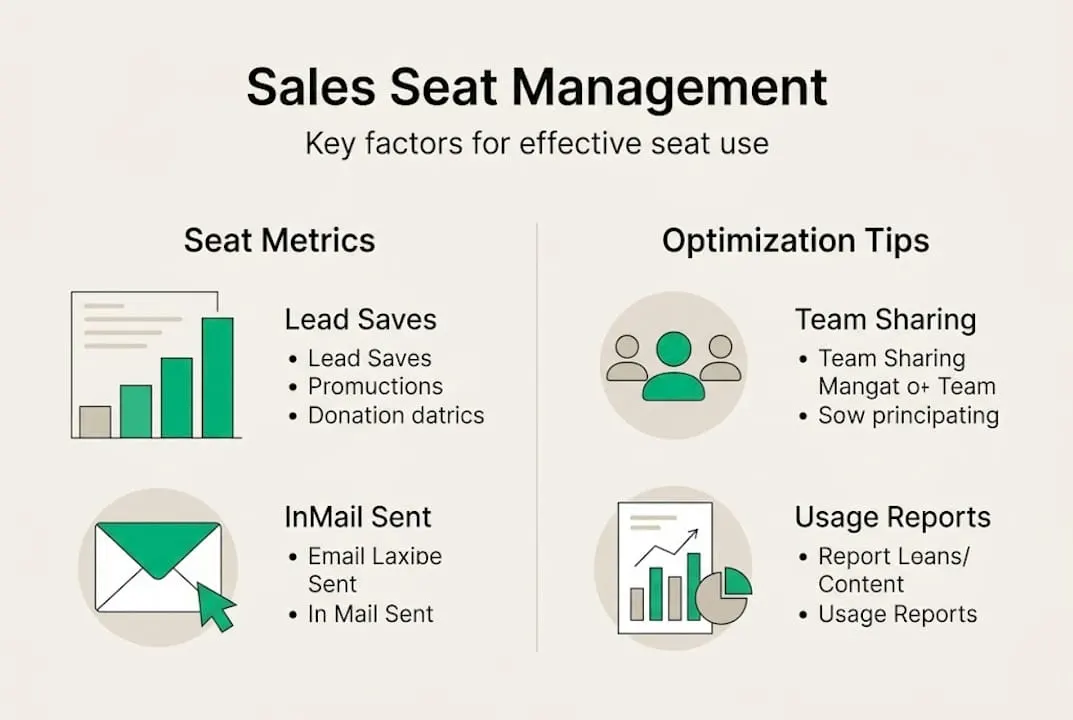
Use your admin reports to see search volume, saved lead counts, and InMail usage per seat holder. These metrics reveal the per-seat pricing challenges that teams often ignore until renewal time. Also, the seats explained resource and prospecting strategies guide are worth bookmarking for your next planning cycle.
What most guides miss about sales seats
Here’s the uncomfortable truth: the “buy a seat for every rep” instinct is almost always wrong for small and mid-sized teams. It feels responsible. It feels like full investment. But it’s often just expensive coverage for people who check into Sales Navigator twice a month.
We’ve seen businesses spend $6,000 a year on five seats when two heavily used seats would have driven the same pipeline results. The difference wasn’t features or access. It was workflow and adoption. The reps who drove results had a clear prospecting process. The ones who didn’t weren’t going to be fixed by a software seat.
The real risk in seat-based pricing isn’t that you’ll miss a feature. It’s that you’ll lock up budget in licenses that collect dust while your actual prospecting workflow stays broken. Before you scale seats, scale your process. Read up on Sales Navigator savings tips to understand how smarter purchasing decisions can free up budget for activities that actually move deals forward.
How to get official LinkedIn Sales Navigator seats for less
If the standard pricing feels steep, you’re not stuck. There’s a legitimate way to access official Sales Navigator licenses at around 50% off retail pricing.
SalesNavSplit sources authorized LinkedIn Sales Navigator seats through verified reseller partnerships in the US and Europe. These are genuine, compliant licenses, not workarounds or credential hacks. Seats activate within two business hours European time, invoicing runs through Stripe, and the platform is built specifically for sales professionals and small teams who need official access without the full retail price tag. Each licence covers one LinkedIn account, at $50 a month instead of $119.99, so costs stay predictable and everything stays fully compliant.
Frequently asked questions
What is a ‘sales seat’ in LinkedIn Sales Navigator?
A sales seat is a per-user license that grants one specific person full access to Sales Navigator’s features and cannot be shared with other users.
How much does a Sales Navigator seat cost in 2026?
Pricing ranges from $79.99/month on the annual Core plan to $139.99/month for Advanced, with Advanced Plus available through custom enterprise deals.
Can sales seats be reassigned between team members?
Yes, admin users can reassign seats through the dashboard when team members change roles or leave, with flexible reassignment pools built into the platform while login sharing remains prohibited.
How does seat-based pricing impact small teams?
Small teams can optimize spend by rotating one to three Core seats among active prospectors rather than buying a seat for every rep, reducing cost without sacrificing key features.
Recommended
- LinkedIn Seats Explained: Access, Cost, and Team Benefits - SalesNavSplit Blog
- What is LinkedIn Sales Navigator? B2B prospecting guide - SalesNavSplit Blog
- LinkedIn Sales Navigator Seats - Up to 50% Off | Official Licenses
- Advanced sales search: Smarter B2B prospecting with Navigator - SalesNavSplit Blog
- What is a connected sales experience? 2026 B2B guide