
What is LinkedIn Sales Navigator? B2B prospecting guide
What is LinkedIn Sales Navigator? B2B prospecting guide
TL;DR:
- Sales Navigator is a dedicated prospecting tool with advanced filters, lead lists, and CRM integration.
- It is most valuable for active daily prospectors handling high-value deals over $5,000.
- Cost-saving options include seat sharing, authorized resellers, and combining with email platforms like Apollo.io.
LinkedIn Sales Navigator gets lumped in with LinkedIn Premium all the time, and that confusion costs sales teams real money. They either overpay for features they don’t need, or they dismiss a genuinely powerful tool because they don’t understand what separates it from a standard upgrade. Sales Navigator is a purpose-built prospecting platform, not just a fancier profile view. This guide breaks down exactly what it does, how it fits into a B2B workflow, who actually benefits from it, and how to avoid paying full price when smarter options exist.
Table of Contents
- What is LinkedIn Sales Navigator?
- How does Sales Navigator actually work?
- Who gets the most value from Sales Navigator?
- Alternatives to LinkedIn Sales Navigator
- Why most small teams overpay for Sales Navigator—and how to fix it
- Get more from Sales Navigator with cost-saving tools
- Frequently asked questions
Key Takeaways
| Point | Details |
|---|---|
| Best for active prospectors | Sales Navigator brings the most value if you prospect daily or chase high-value deals using LinkedIn. |
| Not a magical lead generator | You must pair Sales Navigator with disciplined outreach and may need data add-ons for full contact info. |
| Consider alternatives first | Before committing, compare options like LinkedIn Premium or Apollo for affordability and fit. |
| Share seats to lower costs | Small teams can cut expenses by using official seat-sharing solutions like SalesNavSplit. |
What is LinkedIn Sales Navigator?
Sales Navigator is LinkedIn’s dedicated sales intelligence platform. It sits in a completely different category from free LinkedIn or LinkedIn Premium. While Premium gives you profile views, InMail credits, and some job search perks, Sales Navigator is built from the ground up for one thing: finding and engaging the right B2B buyers at scale.
At its core, Sales Navigator gives you advanced lead and company search with over 40 filters. You can search by seniority level, company size, industry, geography, recent job changes, and more. You save those leads into lists, track their activity updates, and reach out directly via InMail. It also integrates with CRMs like Salesforce and HubSpot, which makes it a serious tool for structured sales teams.
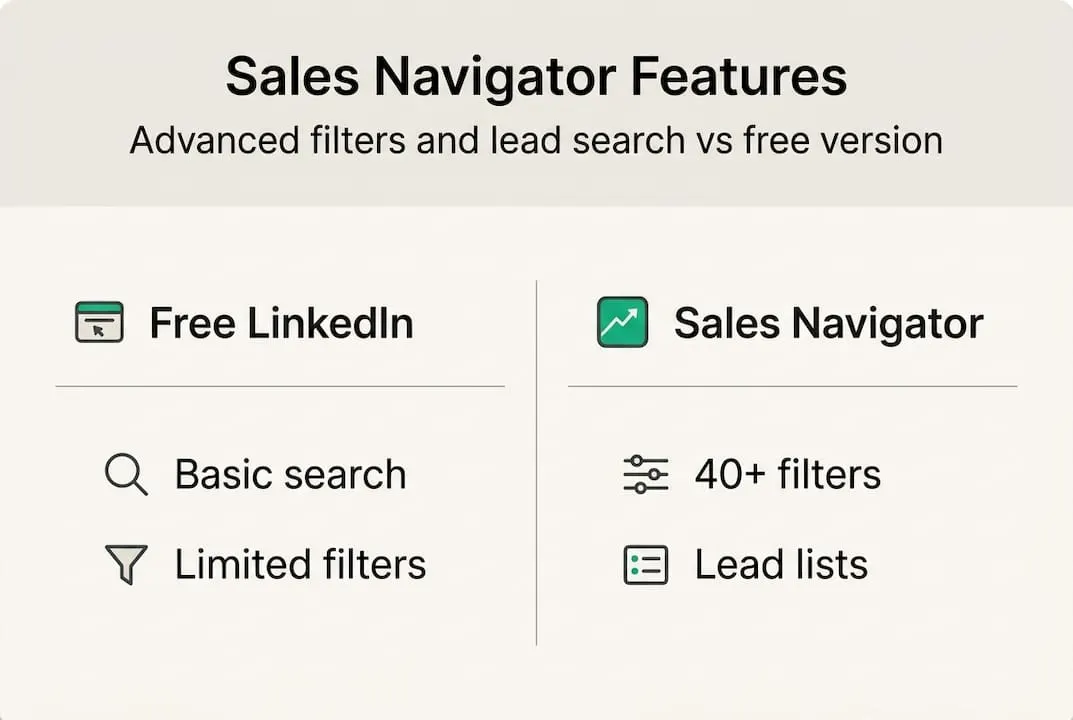
Here’s a quick feature comparison to show where each tier stands:
| Feature | Free LinkedIn | LinkedIn Premium | Sales Navigator |
|---|---|---|---|
| Advanced lead filters | No | Limited | Yes (40+) |
| Saved lead lists | No | No | Yes |
| InMail credits/month | 0 | 5 | 50 |
| CRM integration | No | No | Yes |
| Lead activity alerts | No | No | Yes |
| Company insights | Basic | Basic | Deep |
The intended user is a B2B sales rep, account executive, or small business owner who prospects actively on LinkedIn. If you’re closing high-value deals or managing a pipeline of multiple accounts, the depth of filtering and tracking here is genuinely hard to replicate elsewhere. You can explore more Sales Navigator tips to see how professionals use these features in practice.
That said, a common misconception is that Sales Navigator automatically generates leads for you. It doesn’t. It gives you better tools to find and track them yourself. As one expert breakdown notes, Sales Navigator is “superior to Premium for prospecting volume” but expensive for light use. If you’re only logging in once a week, the ROI math doesn’t work.
“Best for active LinkedIn users. ROI is low for low-ticket or light use.”
You can browse Sales Navigator options to understand what seat types are available before committing.
How does Sales Navigator actually work?
With a clear definition in hand, it’s crucial to understand how Sales Navigator fits into your daily prospecting routine.
Here’s a practical workflow most effective users follow:
- Set up your ideal customer profile (ICP). Use advanced filters to define your target: industry, company headcount, geography, seniority, and recent triggers like job changes or company growth.
- Run lead and account searches. Sales Navigator returns a filtered list of people and companies that match your criteria, far beyond what free search allows.
- Save leads and accounts to lists. Once saved, you get activity updates when those leads post content, change jobs, or engage with your profile.
- Reach out via InMail or connection requests. InMail lets you message people outside your network directly.
- Sync with your CRM. Push lead data and notes into Salesforce, HubSpot, or other connected tools to keep your pipeline organized.
One important reality: InMail limits at 50/month mean you can’t blast hundreds of messages. Sales Navigator does not provide emails or phone numbers either, so outreach is LinkedIn-native unless you pair it with another tool.

| Plan | InMail credits/month | Direct email access | CRM sync |
|---|---|---|---|
| Sales Navigator Core | 50 | No | Yes |
| Sales Navigator Advanced | 50+ | No | Yes |
| Apollo.io (free tier) | N/A | 10 exports/month | Limited |
Pro Tip: Pair Sales Navigator with a tool like Apollo.io or ZoomInfo to get verified emails for leads you find on LinkedIn. Use InMail for warm, personalized outreach and email for higher-volume sequences. This combination stretches your budget further than relying on InMail alone. Check out these sales engagement strategies for more on combining channels effectively.
Who gets the most value from Sales Navigator?
Understanding its workflow is just part of the equation. Let’s look at who truly benefits from using Sales Navigator.
The ROI case for Sales Navigator gets strong fast when your deals are large and your prospecting is daily. If you’re closing contracts worth $5,000 or more, one extra deal per month from better targeting pays for the tool many times over. Agencies, consultants, and enterprise sales reps typically fall into this category.
Signs Sales Navigator is a smart buy:
- You prospect on LinkedIn every single day
- Your average deal size is $5,000 or higher
- You manage multiple accounts and need organized lead lists
- Your team uses a CRM and wants seamless data sync
- You sell into specific verticals where LinkedIn is the primary channel
Signs it might be overkill:
- You only check LinkedIn a few times per week
- Your deals are low-ticket or transactional
- You rely more on email or cold calling than LinkedIn
- You’re a solopreneur just starting to build a pipeline
As one detailed review points out, Sales Navigator is “core viable for high-ticket deals” but expensive for small teams unless paired with add-on tools. And the cost adds up fast. A team of 10 reps on Sales Navigator Core runs roughly $9,600 per year at standard pricing. That’s a real budget line that needs justification.
Pro Tip: Before buying full seats for your whole team, run a 30-day trial with one or two reps who prospect most actively. Measure actual pipeline impact before scaling. You can also look into an official licence at $50 a month as a way to reduce per-seat costs without losing access.
Alternatives to LinkedIn Sales Navigator
Sales Navigator isn’t the only game in town. Here’s how it stacks up to leading alternatives.
The three most common alternatives are LinkedIn Premium, Apollo.io, and ZoomInfo. Each has a different strength depending on your workflow.
| Tool | Best for | Email access | Monthly cost (approx.) |
|---|---|---|---|
| Sales Navigator Core | LinkedIn-native prospecting | No | $99 |
| LinkedIn Premium | Casual networking, job search | No | $40 |
| Apollo.io | Email outreach + prospecting | Yes | Free to $99 |
| ZoomInfo | Enterprise data enrichment | Yes | $250+ |
Apollo offers verified emails and is considered less expensive for teams that prioritize email outreach over LinkedIn-native messaging. If your prospecting strategy is email-first, Apollo or a similar tool may give you more for less.
What each alternative lacks compared to Sales Navigator:
- LinkedIn Premium: No advanced filters, no lead lists, no CRM sync
- Apollo.io: No native LinkedIn activity tracking, no InMail
- ZoomInfo: Not LinkedIn-integrated, high price point for small teams
“Sales Navigator is essential for LinkedIn-centric prospecting, but for teams focused on email volume, Apollo often wins on cost per contact.”
The honest answer is that the right tool depends on where your buyers actually spend time. If they’re active on LinkedIn, Sales Navigator’s native access and activity data are hard to beat. If email is your primary channel, Apollo or a similar platform may serve you better. Explore advanced prospecting tips to see how teams combine these tools for maximum coverage.
Why most small teams overpay for Sales Navigator—and how to fix it
Here’s the uncomfortable truth most Sales Navigator guides skip: the tool itself doesn’t generate results. Discipline does. We see small teams buy full-price seats for five reps, use it inconsistently for two months, and cancel frustrated. The tool wasn’t the problem. The workflow was.
Treating Sales Navigator as a must-have instead of a precision instrument is the most expensive mistake in B2B sales tech. You don’t need it until your pipeline justifies it. Start with free LinkedIn, build your targeting instincts, then upgrade when you’re actively prospecting every day.
Seat sharing and flexible arrangements are also massively underused. Not every rep on your team needs a dedicated seat simultaneously. Rotating access or sharing seats through verified tools can cut your annual cost significantly without sacrificing capability. Pair that with improving LinkedIn ROI through smarter workflows, and you’ll outperform teams spending three times as much.
The teams that get real ROI from Sales Navigator are the ones who treat it like a scalpel, not a sledgehammer.
Get more from Sales Navigator with cost-saving tools
If you want to take action now, there’s a smarter way to try Sales Navigator without wasting budget.
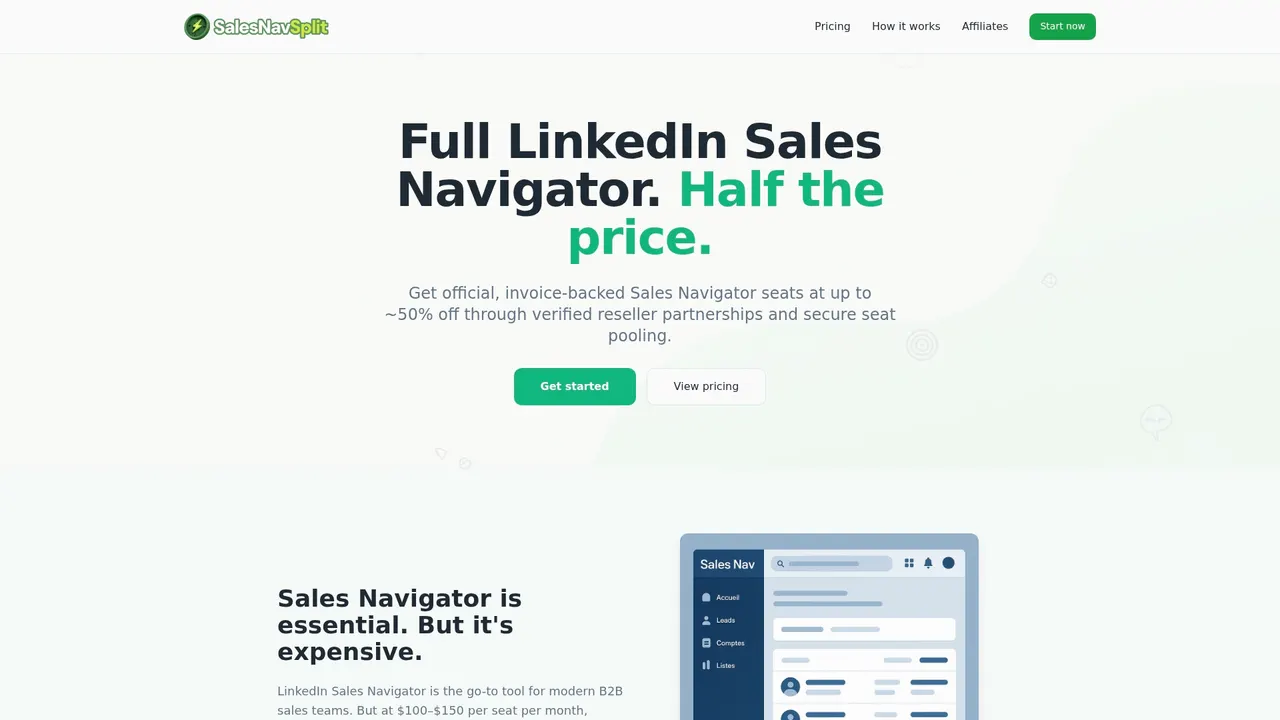
SalesNavSplit provides official, authorized LinkedIn Sales Navigator seats at roughly 50% off standard pricing. These aren’t gray-market workarounds. They’re verified seats sourced through legitimate reseller partnerships in the US and Europe, fully compliant with LinkedIn’s terms of service. Activation takes two business hours European time, billing runs through Stripe, and you get a real invoice. If your team wants to reduce per-seat costs without giving up access, buying one official seat per person through a reseller keeps the cost down without anyone sharing an account. It’s the practical middle ground between paying full price and going without.
Frequently asked questions
Is LinkedIn Sales Navigator worth it for small businesses?
Sales Navigator makes sense if your deals are high-value and you prospect on LinkedIn daily. For lighter use, free or Premium typically delivers better value per dollar spent.
Can I get verified emails and phone numbers with Sales Navigator?
No, Sales Navigator does not include direct email or phone access. You’ll need a separate tool like Apollo or ZoomInfo to get contact data alongside your LinkedIn prospecting.
What are the alternatives to LinkedIn Sales Navigator for affordable lead generation?
Apollo.io and LinkedIn Premium are strong options for teams focused on email outreach or lighter prospecting. Apollo is less expensive and includes verified email access, making it a solid starting point.
Is there a way to save money on Sales Navigator seats?
Yes. Platforms like SalesNavSplit offer official seats at less than half retail pricing through verified reseller partnerships.