
LinkedIn Seat Sharing Explained for Sales Teams in 2026
LinkedIn Seat Sharing Explained for Sales Teams in 2026
TL;DR:
- LinkedIn seat sharing is a compliant way for teams to access Sales Navigator data through a single authorized user, not by sharing login credentials. Most violations stem from credential sharing, which LinkedIn strictly enforces using detection tools, risking account restrictions. Using an authorized connection model enables multiple team members to access LinkedIn data cost-effectively and within terms, supported by quarterly audits and dedicated browsing setups.
LinkedIn seat sharing is defined as enabling multiple team members to access Sales Navigator features through one authorized user seat without sharing login credentials. Most sales teams assume “seat sharing” means passing around a username and password. That assumption is wrong and costly. The compliant version relies on an authorized connection model, where one licensed user authenticates a session and a third-party interface delivers LinkedIn data to the broader team. This approach satisfies LinkedIn’s terms of service while cutting licensing costs significantly. Understanding LinkedIn seat sharing explained correctly is the difference between a working cost strategy and a suspended account.
What is LinkedIn seat sharing and why does it matter?
LinkedIn seat sharing, in its compliant form, separates authentication from data access. One person holds the licensed seat and authenticates the LinkedIn session. The rest of the team accesses LinkedIn data through a connected third-party tool, not through the LinkedIn interface directly. This is the authorized connection model, and it is the only seat sharing approach that does not violate LinkedIn’s terms.
The importance of this distinction is financial. LinkedIn Sales Navigator pricing ranges from $99.99 per month for the Core tier to roughly $1,600 per seat per year at the enterprise level. For a team of five reps, that adds up fast. The authorized connection model lets one seat serve the data needs of multiple team members without multiplying that cost five times over.
Sales teams that understand this model gain a real budget advantage. Those that skip the distinction and share login credentials face account restrictions, forced license purchases, and lost prospecting access at the worst possible time.
Why LinkedIn prohibits credential sharing and how it enforces the rule
LinkedIn’s terms of service prohibit credential sharing where multiple individuals log into a single account. This is not a soft guideline. LinkedIn treats license terms as strictly enforceable contracts, and its detection systems are built to match that standard.
LinkedIn detects shared accounts using device fingerprinting, IP heterogeneity analysis, and simultaneous session detection. When the same account logs in from two different devices or IP addresses within a short window, the system flags it. Behavioral pattern analysis adds another layer, identifying when activity patterns suggest more than one human is operating an account.
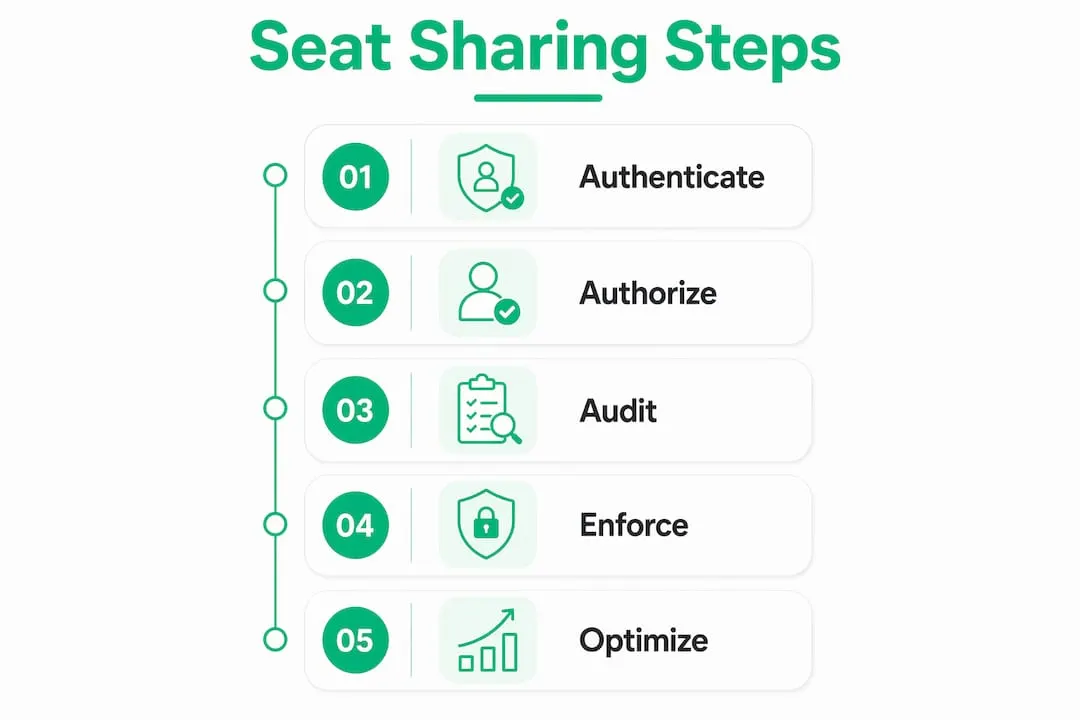
The consequences are concrete. Repeated violations trigger account restrictions and forced seat purchases. LinkedIn’s enforcement is linked to fraud prevention, not just revenue protection. Shared credentials create security vulnerabilities that LinkedIn’s platform integrity team actively monitors.
Organizations frequently discover seat sharing violations internally after informal team practices spiral into LinkedIn penalties. A sales manager shares access with two junior reps to save money. Within weeks, the account is flagged. The cost of the resulting forced license purchase exceeds what the team saved.
- Device fingerprinting identifies unique hardware signatures per login event
- IP heterogeneity flags logins from geographically inconsistent locations
- Simultaneous session detection catches two active sessions on one account at the same time
- Behavioral pattern analysis identifies non-human or multi-user activity rhythms
Pro Tip: Never log into a shared Sales Navigator account from a personal device. Even a single login from an unrecognized device can trigger a fingerprinting flag that starts an audit chain.
How the authorized connection model works for sales teams
The authorized connection model is the compliant answer to the seat sharing question. One authenticated LinkedIn seat acts as a gateway, and a third-party tool executes data queries on behalf of the team through that authenticated session. No one else logs into the LinkedIn account directly.

This model keeps one human authenticated at all times. The lead user, sometimes called the lead recruiter in agency contexts, holds the licensed seat. Team members work inside the third-party platform, where they can search leads, build lists, and coordinate outreach without ever touching the LinkedIn login screen. The distinction matters because this approach aligns with LinkedIn’s terms of service and reduces account suspension risk to near zero.
Here is how a typical implementation works:
- Designate one seat holder. One team member holds the licensed Sales Navigator seat and authenticates the connection to the third-party tool.
- Connect the seat to a team platform. The tool uses the authenticated session to pull LinkedIn data into a shared workspace.
- Assign individual identities. Each team member sends outreach from their own LinkedIn profile, preserving individual messaging identity and avoiding bot-like patterns.
- Build unified lead lists. The team works from a shared list inside the tool, with leads assigned to individual reps to prevent duplicate outreach.
- Monitor session health. The seat holder checks for unusual activity flags and keeps the authenticated session stable.
The advantages over credential sharing are clear. The team gets an audit trail, individual messaging identity per rep, and full compliance. The seat holder’s account stays clean. InMail allotments pool across multiple seats in standard multi-seat setups, but the authorized connection model concentrates that access efficiently through one licensed point.
Pro Tip: Treat the authorized seat holder role like a system admin role. Document who holds it, rotate it intentionally, and never let it sit with someone who has left the company.
LinkedIn Sales Navigator pricing and seat cost management
Sales Navigator comes in three tiers. Core runs $99.99 per month. Advanced adds team features and sits above Core in price. Enterprise pricing is negotiated directly and typically lands around $1,600 per seat per year for larger contracts. Each tier unlocks different search filters, InMail volumes, and CRM integration depth.
Quarterly seat audits are the single most effective cost control tool for teams running multiple seats. Audits surface stale seats assigned to reps who left, tier mismatches where a Core seat is assigned to a power user who needs Advanced, and governance gaps where no one owns billing accountability. Each of these issues burns budget silently.
| Tier | Monthly Cost | Best For |
|---|---|---|
| Core | $99.99/mo | Individual reps, small teams |
| Advanced | Not publicly listed | Mid-size teams needing CRM sync |
| Enterprise | ~$1,600/seat/year | Large orgs with custom contracts |
Cost management best practices for multi-seat teams:
- Reclaim inactive seats every quarter before the renewal date
- Match tier to usage by reviewing which features each rep actually uses
- Assign billing ownership to one person who reviews the invoice monthly
- Document seat assignments in a shared spreadsheet updated at every onboarding and offboarding
Understanding LinkedIn seats and their cost implications before signing a contract prevents the most common budget waste. Teams that skip this step often pay for seats that no one uses for months.
How to implement seat sharing without violating LinkedIn policies
Safe implementation starts with session isolation. Isolated browser profiles and verified proxies per LinkedIn account prevent cross-account restrictions during scaling. Each seat should have its own dedicated browser profile. Shared browsing environments cause cross-account suspensions that are difficult to reverse.
Workflow coordination is equally critical. Unified lead lists that prevent duplicate outreach reduce reputational risk and avoid bot-like activity flags. Assign each lead to exactly one rep. When two reps contact the same prospect within days of each other, LinkedIn’s behavioral detection reads it as suspicious volume from a coordinated source.
Practical steps for compliant implementation:
- Use dedicated browser profiles for each seat, never a shared browser with multiple LinkedIn sessions
- Stagger outreach activity across the team to avoid sudden volume spikes on any single seat
- Vary messaging per rep so outreach does not read as templated bulk activity
- Avoid shared passwords entirely. The authorized connection model eliminates the need for them
- Run a monthly activity review to catch any rep whose volume is approaching LinkedIn’s outreach limits
Scaling safely is less about seat count and more about how much outreach each seat can sustain individually without triggering restrictions. A team of five reps with five clean, isolated seats outperforms a team trying to push one seat past its limits every time.
Pro Tip: Set a weekly connection request cap per seat well below LinkedIn’s limit. Staying at 70% of the maximum gives you headroom for high-priority weeks without triggering a flag.
For teams evaluating the right Sales Navigator plan for their size, matching tier to actual usage patterns before purchasing saves money from day one.
Key takeaways
Compliant LinkedIn seat sharing requires the authorized connection model, not credential sharing, and quarterly audits are the most effective tool for controlling multi-seat costs.
| Point | Details |
|---|---|
| Credential sharing is prohibited | LinkedIn enforces its terms via device fingerprinting and simultaneous session detection. |
| Authorized connection model is compliant | One authenticated seat feeds team access through a third-party tool without violating LinkedIn’s ToS. |
| Pricing ranges widely by tier | Core starts at $99.99/mo; enterprise seats run roughly $1,600/year per seat. |
| Quarterly audits prevent waste | Stale seats and tier mismatches are the most common sources of avoidable licensing cost. |
| Session isolation protects accounts | Dedicated browser profiles and unique proxies per seat prevent cross-account suspensions. |
The uncomfortable truth about seat sharing most sales teams ignore
Most sales teams I talk to have tried credential sharing at some point. A manager shares a login with two reps to stretch the budget. It works for a few weeks. Then the account gets flagged, outreach stops, and the team scrambles to buy emergency licenses at full price. The money they saved is gone, plus more.
The authorized connection model is not a workaround. It is the correct architecture for team-wide LinkedIn access. One authenticated seat, one person responsible for that session, and a tool that delivers the data to everyone else. That setup respects LinkedIn’s terms, keeps the account clean, and scales without drama.
What surprises me is how few teams do the quarterly audit. Stale seats are everywhere. A rep leaves in january, their seat sits unused until december, and the company pays eleven months of licensing for nothing. That is not a LinkedIn problem. That is a governance problem, and it is completely preventable.
The cost savings from the authorized connection model are real, but they only hold up if the underlying seat is healthy. Protect the authenticated seat like it is the most valuable tool in your stack, because for LinkedIn prospecting, it is.
— Toinon
How Salesnavsplit makes compliant seat sharing affordable
Salesnavsplit provides official LinkedIn Sales Navigator seats at up to 50% off standard pricing through verified reseller partnerships in the US and Europe. Every seat is a genuine, licensed credential, not a shared login or gray-market workaround.
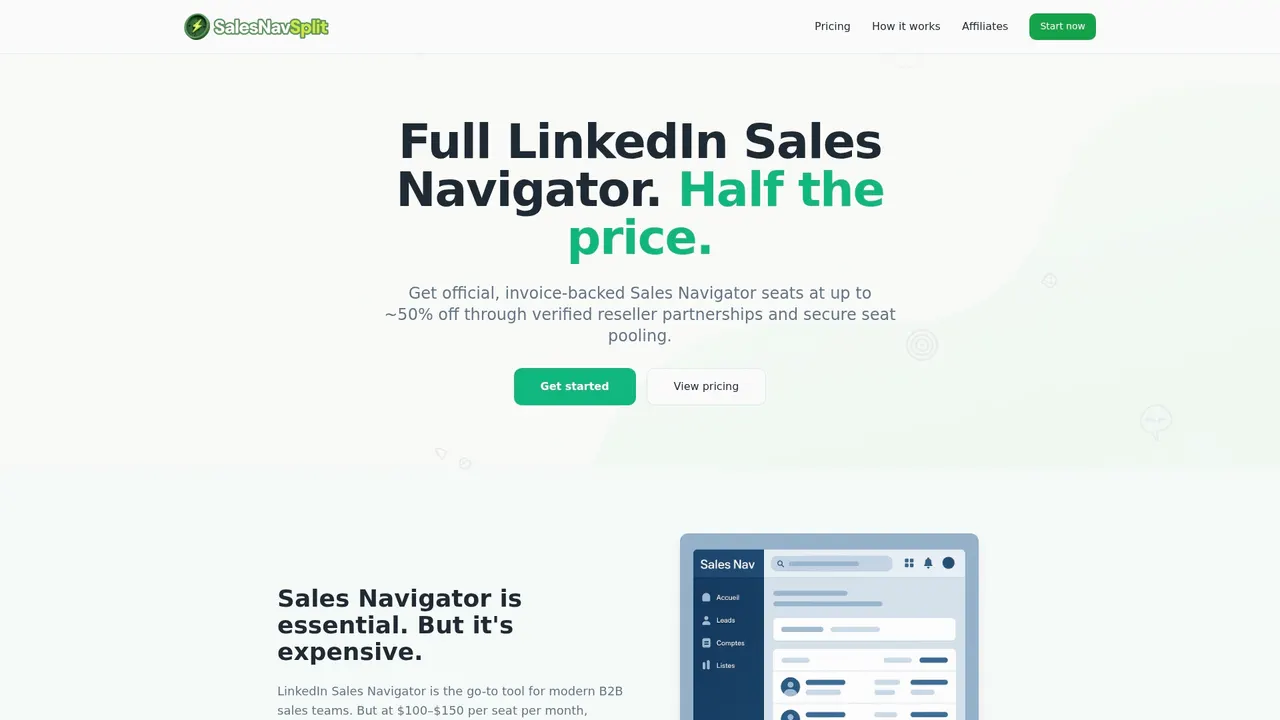
Teams that want the cost benefits of seat sharing without the compliance risk use Salesnavsplit to access real Sales Navigator licenses at a fraction of the retail price. Seats activate within 24–48 hours, billing runs through Stripe with official invoicing, and the reseller model is fully safe and legal. For teams ready to cut their LinkedIn licensing costs without cutting corners, official discounted seats are available now.
FAQ
What is LinkedIn seat sharing?
LinkedIn seat sharing is the practice of enabling multiple team members to access Sales Navigator data through one authorized seat using a compliant third-party connection, not by sharing login credentials.
Is sharing a LinkedIn Sales Navigator login against the rules?
Yes. LinkedIn prohibits multiple individuals from logging into a single account and enforces this through device fingerprinting and simultaneous session detection, with penalties including account restrictions.
What is the authorized connection model?
The authorized connection model keeps one licensed user authenticated while a third-party tool delivers LinkedIn data to the broader team, satisfying LinkedIn’s terms of service without multiplying seat costs.
How much does LinkedIn Sales Navigator cost per seat in 2026?
Sales Navigator Core costs $99.99 per month. Enterprise plans run roughly $1,600 per seat per year. Advanced tier pricing is not publicly listed and requires direct contact with LinkedIn.
How do I reduce LinkedIn Sales Navigator costs for my team?
Run quarterly seat audits to reclaim inactive licenses, match each rep to the correct tier, and consider authorized reseller programs like Salesnavsplit that offer official seats at up to 50% off retail pricing.
Recommended
- LinkedIn Seats Explained: Access, Cost, and Team Benefits - SalesNavSplit Blog
- What is a sales seat? Guide to Sales Navigator access - SalesNavSplit Blog
- Sales Navigator Plans: Choosing the Right Option for B2B Teams - SalesNavSplit Blog
- Sales team collaboration steps: the sales manager’s guide - SalesNavSplit Blog