
What Are Cloud-Based Sales Tools? A 2026 Guide
What Are Cloud-Based Sales Tools? A 2026 Guide
TL;DR:
- Cloud-based sales tools, or SaaS platforms, extend beyond storing customer data to automate outreach, score leads using AI, and track interactions across channels. They operate on remote servers, offering real-time, multi-device access and automatic updates, which improve forecast accuracy and facilitate collaboration. Choosing and integrating these tools should address specific sales bottlenecks, prioritize native integrations, and align with the full revenue cycle to maximize operational efficiency.
If you think cloud-based sales tools are just online contact lists, you’re leaving serious revenue on the table. These platforms, formally known as Software as a Service (SaaS) sales software, go far beyond storing customer names and phone numbers. They coordinate outreach, automate follow-ups, score leads with AI, generate quotes, and track every buyer interaction across channels. This guide breaks down exactly what these tools are, how they work, what they include, and how to build a stack that actually moves deals forward.
Table of Contents
- Key takeaways
- What are cloud-based sales tools and how do they work
- Core functions of cloud-based sales tools
- Advantages of adopting cloud-based sales tools
- How to choose and integrate cloud sales software
- Trends shaping cloud sales technology in 2026
- My honest take on cloud sales tool adoption
- Take your sales stack further with LinkedIn Sales Navigator
- FAQ
Key takeaways
| Point | Details |
|---|---|
| Cloud tools are SaaS platforms | They run on vendor-managed servers and are accessed through any browser or mobile device. |
| A sales stack has multiple layers | CRM, engagement, enablement, and intelligence tools work together for consistent execution. |
| Automation drives real gains | Workflow automation updates records and supports forecasting, freeing reps to focus on selling. |
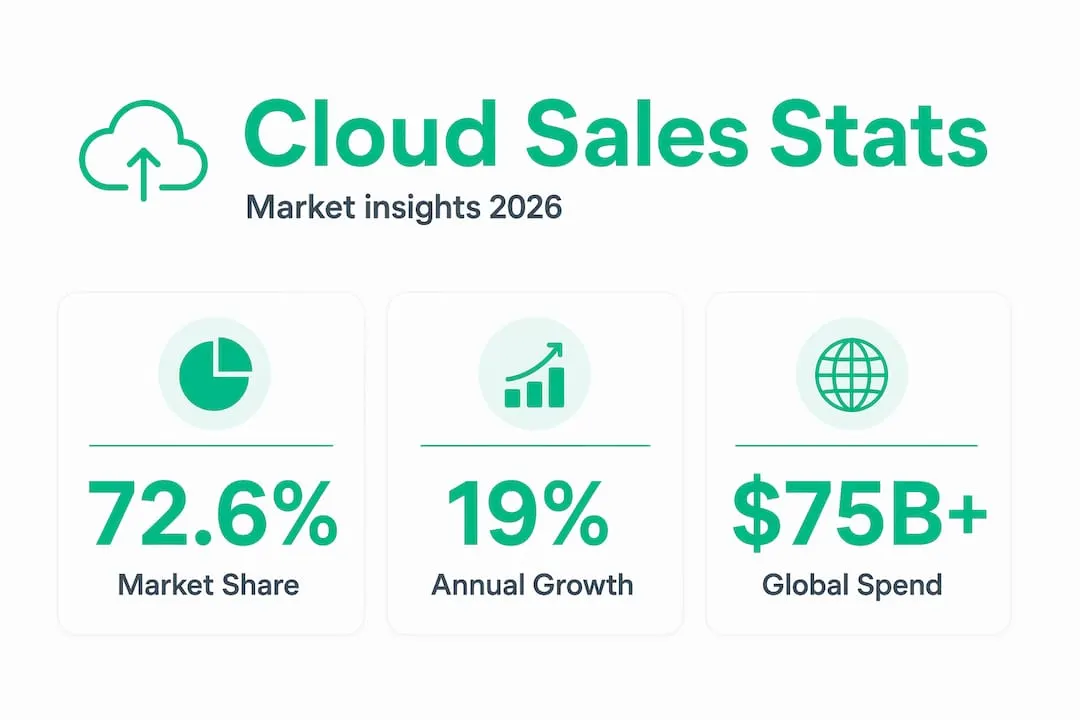
| Adoption is already dominant | Cloud deployments hold a 72.6% market share in sales software as of late 2024. |
| LinkedIn is a key prospecting layer | Integrating Sales Navigator with your cloud stack sharpens B2B targeting and personalization. |
What are cloud-based sales tools and how do they work
Cloud-based sales tools are SaaS applications where the software runs on a vendor’s remote servers rather than your company’s computers. You access them through a browser or mobile app, and customer data is stored remotely, available anywhere you have an internet connection. The vendor handles all infrastructure, security patches, and software updates. You get the latest version automatically, without an IT department running overnight installs.
This is the sharpest difference from on-premise software. With on-premise, your team installs the application on local servers, manages updates internally, and can only access data from specific machines. With cloud sales solutions, a rep in Chicago and one in Berlin see the same live deal data the moment it changes.
Here’s what makes the technical model practical for sales teams:
- Remote hosting: Data lives on the vendor’s servers, not your hard drive.
- Multi-device access: Log in from a laptop, tablet, or phone without syncing anything manually.
- Automatic updates: New features and security fixes deploy without downtime on your end.
- Real-time data sync: When one rep updates a deal stage, every other user sees it immediately.
- Vendor-managed infrastructure: You pay a subscription; the vendor handles servers, backups, and uptime.
Pro Tip: Before signing any SaaS contract, check the vendor’s uptime SLA. A 99.9% uptime guarantee still allows nearly 9 hours of downtime per year. For sales teams running global outreach, that matters.
Core functions of cloud-based sales tools
Most people hear “sales software” and picture a CRM. That’s the starting point, not the whole picture. Modern cloud sales solutions operate as a layered stack, and understanding each layer helps you choose the right combination.
Here are the five core layers that make up a complete cloud sales system:
- CRM (system of record): This is where account, contact, deal, and activity data lives. It’s the foundation every other tool writes to and reads from. Think of it as the single source of truth for your revenue team.
- Sales engagement platform: This layer controls outreach execution. It schedules sequences of emails, calls, and LinkedIn messages, then tracks every buyer interaction so you know what’s working. Without it, a CRM just stores data passively.
- Sales enablement tools: These handle content delivery, training, and coaching. Reps get the right case study or product sheet at the right deal stage, and managers can see where reps need development based on call recordings.
- Sales intelligence: This layer pulls in external data signals like job changes, funding announcements, and technology installs to help reps prioritize accounts and personalize outreach with relevant context.
- Revenue lifecycle management: This extends the stack into quoting, contracting, invoicing, and billing. Platforms that automate the quote-to-cash process eliminate the back-and-forth between sales, finance, and legal that kills deal velocity.
Pro Tip: If your CRM and your quoting tool don’t talk to each other automatically, you’re creating manual reconciliation work every time a deal closes. That friction adds up to days lost per quarter.
The comparison below shows what each layer owns:
| Layer | Primary job | Example output |
|---|---|---|
| CRM | Store and organize deal data | Contact records, pipeline views |
| Engagement platform | Execute and track outreach | Email sequences, call logs |
| Enablement tools | Deliver content and coaching | Playbooks, call scorecards |
| Sales intelligence | Provide targeting signals | Intent data, firmographic filters |
| Revenue lifecycle | Automate contracts and billing | Quotes, signed contracts, invoices |
Advantages of adopting cloud-based sales tools
The advantages of cloud sales tools go well beyond the convenience of remote access. The real operational wins come from what happens when all your sales data is centralized and current.

Workflow automation updates records and activities in real time, which means your pipeline reports reflect reality rather than whatever a rep remembered to log last Friday. That accuracy directly improves forecast reliability. When a manager looks at a forecast built on stale, manually entered data, they’re guessing. When that data updates automatically based on actual rep activity, they’re managing.
Here are the concrete advantages sales teams see most often:
- Real-time collaboration: Distributed teams share a single live view of every account and deal, cutting the internal back-and-forth that slows handoffs between SDRs and account executives.
- AI and automation at scale: A unified data platform enables AI agents to surface next-best actions, flag at-risk deals, and automate routine tasks like follow-up reminders. Fragmented tools can’t do this well because the AI lacks full context.
- Lower total cost: Cloud tools run on subscription pricing with no server hardware to buy or maintain. A 10-person team can access enterprise-grade features that would have required a six-figure on-premise install five years ago.
- Scalability: Adding a new rep takes minutes. You add a seat, they log in, and they have access to the full system. There’s no IT ticket required.
- Better prospecting: When your CRM, intelligence layer, and engagement platform share data, reps can see which accounts are showing buying signals and launch personalized outreach without leaving the same interface.
The cloud software market holds 72.6% share in sales software and is growing at roughly 19% annually. That growth isn’t driven by hype. It’s driven by sales teams reporting measurable efficiency gains when they replace disconnected tools with integrated cloud stacks. For a deeper look at how to build your outreach stack without overcomplicating it, the Salesnavsplit blog has a lean B2B checklist worth reviewing.
How to choose and integrate cloud sales software
Picking the best cloud sales applications starts with mapping your current sales bottlenecks, not browsing feature lists. If reps spend two hours a day on manual data entry, you need automation. If your pipeline is unreliable, you need better engagement tracking. The tool should fix an identified problem, not create a new one.
A few principles that consistently separate successful implementations from expensive ones:
- Don’t rely solely on your CRM. Relying on CRM alone loses outreach consistency and insight. You need an engagement layer that actively orchestrates and measures buyer touchpoints.
- Prioritize native integrations. Every time data has to move between tools through a manual export or a fragile third-party connector, accuracy degrades. Look for tools built to share data natively.
- Map the full revenue cycle. Sales teams often evaluate tools only through the lens of prospecting and closing. But disconnected quoting and invoicing systems cause delays after the deal is signed, which frustrates customers and slows cash collection.
- Maintain clean data hygiene from day one. Bad data compounds. One contact with a wrong email becomes 200 bounced messages in six months. Set field validation rules and data ownership standards before onboarding.
Pro Tip: When evaluating any cloud sales application, ask the vendor for a native integration list and then test the two or three integrations most critical to your workflow before committing. Demos show the best-case scenario. Your actual data stack will surface the real gaps.
For teams focused on LinkedIn prospecting, connecting your CRM and engagement tools to Sales Navigator creates a feedback loop where contact data, outreach history, and LinkedIn activity all live in the same record.
Trends shaping cloud sales technology in 2026
The cloud sales software category is not static. Three shifts are redefining how these tools operate this year.
| Trend | What it means in practice |
|---|---|
| AI-driven forecasting | AI agents analyze deal history, activity signals, and engagement patterns to predict close probability with less manager input. |
| Platform consolidation | Vendors are folding CPQ, billing, and contracts into sales clouds to reduce the number of systems reps touch. |
| Active sales orchestration | Tools are shifting from data storage to coordinating every touchpoint across email, phone, and LinkedIn in real time. |
| Multichannel outreach integration | LinkedIn, email, and phone sequences now run from a single engagement platform with unified reporting. |
The shift from passive data storage to active sales orchestration is the most significant change for working sales reps. Instead of logging calls after the fact, the platform tracks interactions automatically and surfaces what to do next. Combined with automation in prospecting, this creates a system that runs more of the sales process consistently, regardless of individual rep discipline.
My honest take on cloud sales tool adoption
I’ve watched a lot of sales teams invest in cloud tools and then underuse 70% of what they paid for. The pattern is always the same. They buy the CRM, import their contacts, and stop there. Then they wonder why the software didn’t change their results.
The tools are not the strategy. What I’ve found actually works is starting with a clearly defined sales process, then identifying exactly where it breaks down, and only then choosing a tool to fix that specific failure point. That sounds obvious, but most teams skip the process audit and go straight to the software evaluation.
What surprises most people is where the real value surfaces. It’s not the mobile access or the dashboards. It’s the compounding effect of workflow automation keeping your data accurate. When every call, email, and LinkedIn message logs automatically, your forecast stops being a guess. Your manager spends coaching time on deals instead of chasing reps for updates.
On the question of tool consolidation versus specialization: I lean toward fewer, better-integrated tools over a sprawling stack of best-of-breed point solutions. Every integration is a potential data gap. Every extra login is friction that compounds across a team over months.
The teams I’ve seen get the most out of cloud sales platforms are the ones who treat the tool as an extension of their sales process, not a replacement for it. Align your technology to a defined strategy, automate the repetitive parts, and spend your human attention on the conversations that actually close deals. That’s where the leverage is.
— Toinon
Take your sales stack further with LinkedIn Sales Navigator
If you’re building or refining a cloud sales stack, LinkedIn Sales Navigator belongs in the conversation. It integrates directly with most cloud-based CRM tools, feeds real-time data signals into your engagement workflows, and gives you access to LinkedIn’s full B2B database for prospecting and outreach.
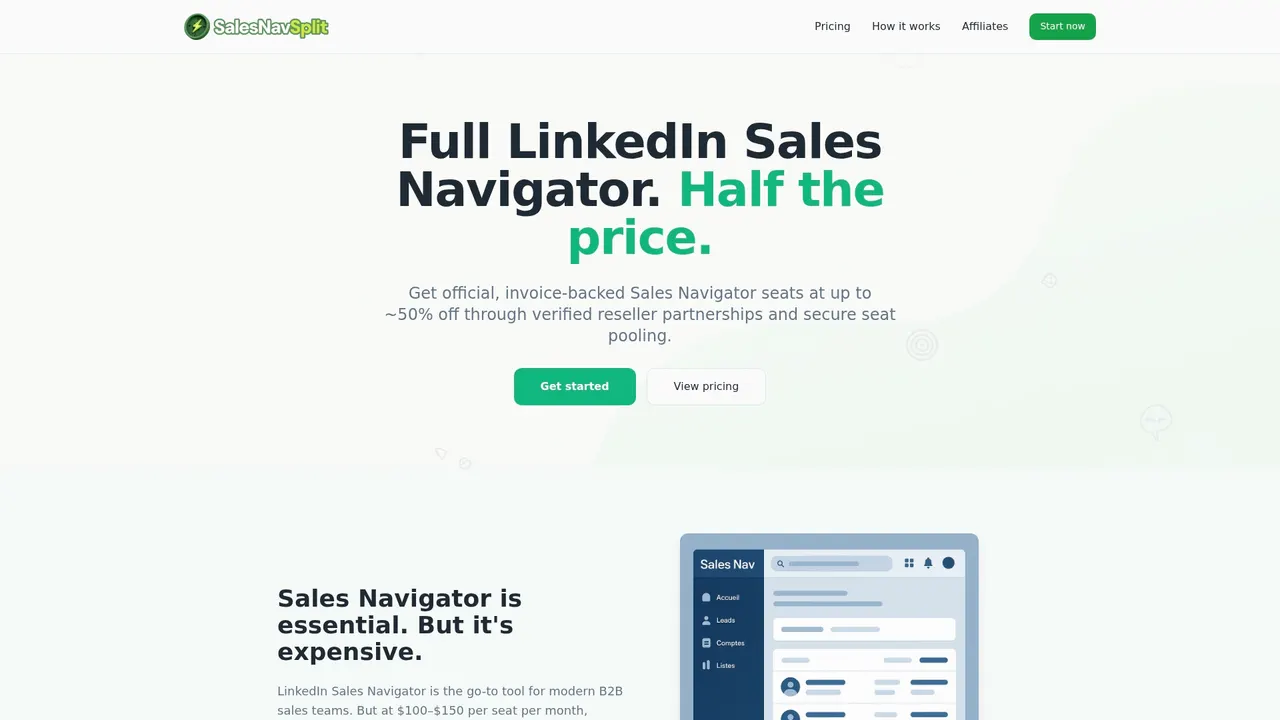
The barrier for most teams is cost. Sales Navigator’s standard pricing puts it out of reach for smaller teams and solo reps. Salesnavsplit solves that by offering official Sales Navigator seats at up to 50% off standard pricing, through verified reseller partnerships in the US and Europe. The licenses are genuine, compliant with LinkedIn’s terms, and activate within two business hours European time. If you want to round out your LinkedIn prospecting strategy, the LinkedIn Premium plan guide on Salesnavsplit can help you pick the right tier for your goals.
FAQ
What is a cloud-based sales tool?
A cloud-based sales tool is SaaS software that runs on a vendor’s remote servers and is accessed through a browser or mobile app. It stores sales data, automates workflows, and supports prospecting, outreach, and deal management without requiring local installation.
How do cloud sales tools work technically?
They host all data and software logic on the vendor’s infrastructure, syncing changes in real time across every user’s device. When one rep updates a deal, every other team member sees the change instantly, with no manual export required.
What are the main advantages of cloud-based sales tools?
The biggest advantages are workflow automation that keeps data current, AI-powered forecasting, lower infrastructure costs, and the ability to scale quickly by adding seats without IT involvement.
What is the difference between a CRM and a full cloud sales stack?
A cloud-based CRM tool is the data foundation, but a full stack adds engagement platforms for outreach execution, enablement tools for coaching and content, intelligence layers for targeting signals, and revenue lifecycle software for quoting and billing.
Are cloud sales tools worth it for small teams?
Yes. Cloud tools run on subscription pricing that scales down for smaller teams, and the automation benefits are proportionally larger for small teams where every rep’s time is limited. Starting with a CRM and one engagement tool is enough to see measurable improvement.
Recommended
- The best types of B2B sales tools for smarter prospecting - SalesNavSplit Blog
- What Is Sales Enablement? A 2026 Guide for Sales Teams - SalesNavSplit Blog
- What Is Compliant Sales Software: A Guide for Sales Pros - SalesNavSplit Blog
- Sales tools checklist: Build your lean B2B outreach stack - SalesNavSplit Blog