
Boost Sales With These Proven Sales Navigator Tips
Boost Sales With These Proven Sales Navigator Tips
TL;DR:
- Focusing on quality criteria and smart filters improves lead relevance and outreach effectiveness.
- Using advanced searches, personalization, and organized lists enhances response rates and pipeline management.
- Keeping automation minimal and compliant ensures account safety while maximizing LinkedIn Sales Navigator’s value.
Sales Navigator packs dozens of features into a single platform, and that’s exactly why most users struggle to get real results from it. Picking the wrong tactics wastes your limited outreach volume, risks your account standing, and leaves you with a pipeline full of cold leads who never reply. For small B2B teams and individual reps working tight budgets, every connection request and every InMail message carries real weight. This guide cuts through the noise and gives you a focused, expert-backed playbook covering what actually moves the needle in Sales Navigator, from smarter criteria to safer automation practices.
Table of Contents
- Set smart criteria for effective prospecting
- Leverage advanced search and lead filters
- Balance automation, enrichment, and compliance
- Engage leads with proven outreach strategies
- Why ‘doing less’ in Sales Navigator drives more value
- Maximize your Sales Navigator investment
- Frequently asked questions
Key Takeaways
| Point | Details |
|---|---|
| Smart criteria first | Prioritize filters that match your ideal customer for better results and fewer wasted actions. |
| Compliance is non-negotiable | Staying within platform rules protects your account and business reputation. |
| Quality beats quantity | Focusing on fewer, higher-value leads delivers more success than mass outreach. |
| Consistent, value-driven engagement | Personalizing every touchpoint builds trust and maximizes response rates. |
Set smart criteria for effective prospecting
Before you send a single message, you need a clear picture of who you are actually trying to reach. Sales Navigator’s volume caps mean prioritizing quality over quantity in outreach, which means mass-reaching everyone in a vague target market is not just inefficient, it is genuinely harmful to your results. You only get so many touches per day, so each one should count.
Building a solid targeting framework starts with answering a few key questions about your ideal customer. What industry are they in? What role do they hold? How big is their company? Are they currently active on LinkedIn? These filters narrow your universe down to people who are actually likely to respond. You can go even deeper by thinking about the specific pain points your product or service solves and reverse-engineering the profile of someone who has that problem right now.
Here is a simple criteria checklist to guide your setup:
- Industry: Focus on two or three verticals where you have proven wins
- Seniority level: Target decision-makers or strong influencers, not just anyone with a relevant title
- Company size: Match company headcount to your typical deal size and sales cycle length
- Geography: Limit regions where you can actually deliver value or have local credibility
- Recent activity: Prioritize leads who have posted or engaged in the past 30 days
Once you have your criteria locked in, you can use smarter B2B prospecting techniques to translate these parameters into precise Sales Navigator filters. Save each refined search so you can return to it without rebuilding from scratch.
Pro Tip: Save three to five distinct search configurations in Sales Navigator. Label each one by persona type so you can quickly toggle between them and run fresh results without losing your settings.
This Sales Navigator guide can help you understand the full range of criteria options available before you commit to a framework.
Leverage advanced search and lead filters
Once your criteria are set, putting advanced search and filters to work will drastically improve lead quality. Sales Navigator gives you tools that go far beyond a basic keyword search, and knowing how to combine them is where the real leverage lives.

Start with Boolean operators. Using AND, OR, and NOT inside title and keyword fields lets you build very precise searches. For example, searching “VP AND Sales NOT Director” surfaces vice presidents of sales without pulling in sales directors you may not want. Layer in seniority filters, function filters, and geography to tighten the net further.
Here is a step-by-step process that consistently produces high-quality leads:
- Begin with a broad title search using Boolean terms
- Apply seniority level filters to remove junior contacts
- Add industry and company size parameters
- Filter for recent activity within the past 90 days
- Sort results by shared connections to prioritize warm introductions
- Save the top 25 leads to a named list for organized follow-up
Using lead generation tips like these filters consistently can boost response rates by up to 30%, a meaningful jump when you are working a limited daily outreach budget.
Statistic: Targeted filtering combined with activity-based sorting can improve reply rates by 25 to 30% compared to unfiltered outreach.
Sales Navigator isn’t meant for mass outreach; use enrichment tools but avoid automation risks that could flag your account. The goal is always precision, not volume.
Organizing leads into named lists inside Sales Navigator is one of the most underused features. A list labeled “Q3 Mid-Market SaaS” is far easier to work through systematically than a sprawling saved search.
Pro Tip: Check your lead alerts every morning. When a saved lead changes jobs, gets promoted, or posts content, that is a warm signal to reach out with a timely, relevant message.
A well-structured sales prospecting workflow built around these filters will save hours every week and keep your pipeline consistently full of the right people.
Balance automation, enrichment, and compliance
Maximizing filters opens a new challenge: how to efficiently gather lead data while staying safe and compliant. This is where many sales teams quietly make mistakes that cost them their accounts.
LinkedIn’s volume caps and anti-scraping protocols protect your account, so pairing Sales Navigator with compliant enrichment tools is the right move. Unsanctioned scraping tools or mass automation bots put everything at risk.
Here is how the three main approaches stack up:
| Approach | Speed | Risk level | Recommended use |
|---|---|---|---|
| Manual outreach | Slow | Very low | Daily personalized touches |
| Compliant enrichment | Moderate | Low | Supplementing lead data |
| Automation bots | Fast | Very high | Avoid entirely |
Compliant tools you can safely use alongside Sales Navigator include CRM integrations like Salesforce and HubSpot, official LinkedIn export features, and verified data enrichment platforms like Apollo or Clay that respect rate limits.
Tools to avoid include browser extension scrapers that harvest bulk profile data, mass connection request bots, and any tool that logs into LinkedIn on your behalf without official API access.
- Safe: CRM sync via official LinkedIn integrations
- Safe: Manual CSV exports from saved lists
- Safe: Compliant enrichment with verified platforms
- Avoid: Chrome extension scrapers
- Avoid: Auto-connect or auto-message bots
- Avoid: Third-party tools that require your LinkedIn credentials
“Safe usage keeps your account and reputation intact.”
A compliant prospecting process is not just about following rules. It protects your pipeline, your brand, and your access to the tool you are relying on. Losing your Sales Navigator account mid-quarter is a costly disruption that takes weeks to recover from.
For a deeper look at B2B prospecting strategies that stay within platform guidelines, it is worth reviewing what the most successful teams do differently.
Engage leads with proven outreach strategies
With data in hand, the way you reach out is just as critical for winning replies and building trust. Even the best-targeted lead list falls flat if your first message sounds like a copy-paste template.
Personalization does not mean using a lead’s first name. It means referencing something specific: a post they wrote, a company milestone, a shared connection, or a relevant industry event. That specificity signals genuine attention and separates you from the dozens of generic pitches filling their inbox.
Here are the core best practices for first-touch outreach:
- Keep connection requests short: One sentence stating why you want to connect, no pitch
- Lead with relevance: Mention something specific about their role or recent activity
- Avoid attachments in first messages: They trigger spam filters and reduce open rates
- Follow up once, then pause: A single follow-up after five to seven days is enough
- Add value in every message: Share a useful stat, article, or insight, even if brief
Timing matters more than most people realize. Messages sent Tuesday through Thursday between 8 and 10 a.m. in the recipient’s time zone consistently perform better than Friday afternoon sends.
| Outreach strategy | Average response rate |
|---|---|
| Generic connection request | 8 to 12% |
| Personalized connection note | 20 to 28% |
| InMail with relevant hook | 18 to 25% |
| Follow-up after mutual engagement | 30 to 40% |
Sales Navigator is most effective paired with genuine human engagement, not just data export. The platform gives you the intelligence; what you do with it determines results.
For stronger conversations once you get a reply, these winning sales call tips are worth reviewing before your next discovery call.
Pro Tip: Before sending any outreach, check if the lead has posted in the past week. If they have, reference their content in your opening line. Response rates climb sharply when leads feel seen, not sold to.
Using Navigator search best practices to pre-qualify leads before outreach also helps ensure you are spending your message credits on people worth the effort.
Why ‘doing less’ in Sales Navigator drives more value
Here is the uncomfortable truth most Sales Navigator guides avoid: the reps who use fewer features consistently outperform those who try to use everything. That is not a guess. It reflects how the platform actually rewards behavior.
When you spread your attention across every filter, every alert, every export tool, and every integration, your focus fractures. You end up with sprawling lead lists nobody maintains, saved searches that never get revisited, and outreach that feels scattered rather than deliberate. Elite B2B sales teams tend to pick three to four core workflows and repeat them with discipline, week after week.
Overexperimenting with tools also increases compliance risk. Every new third-party integration is another potential policy violation. Every shortcut is another reason LinkedIn might flag your account. Simplicity is not laziness. It is a risk management strategy.
If you want to build sustainable pipeline, focus on criteria, filters, and personalized outreach. Do those three things well, and you will outperform reps who are constantly chasing the next feature. A solid LinkedIn reseller savings guide can also show you how to lock in official access at a fraction of the cost, freeing budget for the activities that actually drive revenue.
Maximize your Sales Navigator investment
Putting these tips into practice is far easier when you have official, cost-effective access to the platform from day one. Paying full retail price for Sales Navigator is one of the biggest friction points for small B2B teams and solo reps.
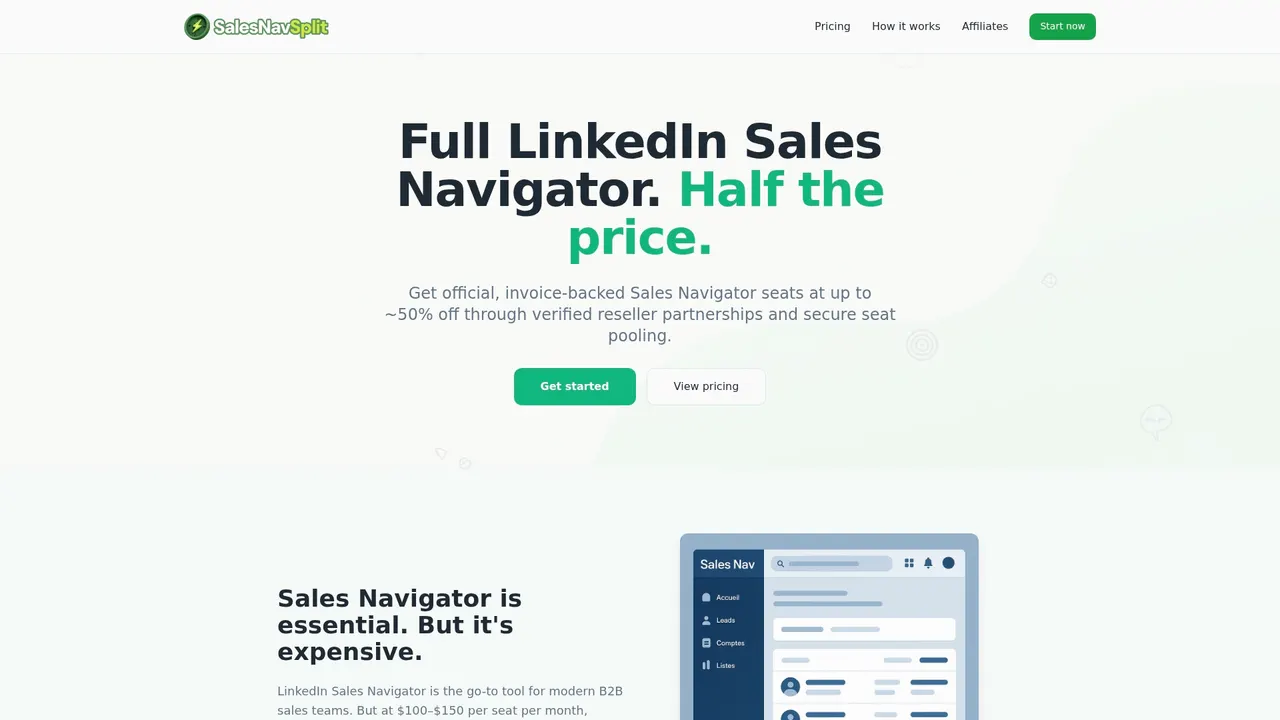
At salesnavsplit.com, you can access official Sales Navigator seats at approximately 50% off standard pricing through verified reseller partnerships in the US and Europe. Every seat is genuine, compliant with LinkedIn’s terms of service, and activated within two business hours European time. No credential sharing, no gray-market workarounds, just real access at a price that makes sense for your team size. You can also explore lead generation insights to pair smart access with the tactics covered in this guide.
Frequently asked questions
What is the ideal daily usage for Sales Navigator to avoid restrictions?
Staying well below volume caps and avoiding any form of automation reduces account risk and ensures consistent access over time.
Can I automate messaging with Sales Navigator?
Sales Navigator does not support mass automation, and using third-party tools for automated messaging risks account suspension under LinkedIn’s terms of service.
What filters offer the highest quality leads in Sales Navigator?
Targeting role, industry, company size, and recent activity filters consistently surfaces the best-fit B2B leads for personalized outreach.
Is it safe to export data from Sales Navigator?
Manual exports and compliant enrichment tools are permitted, but scraping and unsanctioned automation violate LinkedIn’s policies and put your account at serious risk.
Recommended
- Top lead generation tips for LinkedIn Sales Navigator - SalesNavSplit Blog
- Blog - SalesNavSplit
- Streamline your sales prospecting workflow with Sales Navigator - SalesNavSplit Blog
- Advanced sales search: Smarter B2B prospecting with Navigator - SalesNavSplit Blog
- 🚀 New LinkedIn Sales Navigator Filters 2025: Boosting Conversion Rates up to 34% | Sales Mates Podcast #74 - Sales Label IT Consulting
- 7 Practical Sales Growth Tips for Small Business Owners